

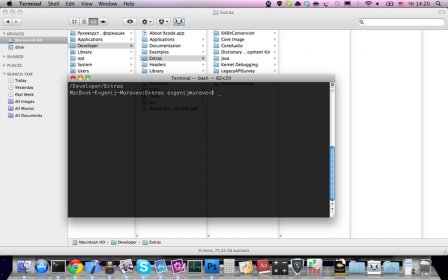
Go2Shell is an application that allows you to open a terminal window to the current directory in your Finder. It can be added to the Finder toolbar by dragging and dropping it there. Version 1.2.1 offers many improvements, such as a more native-looking icon in the toolbar, support for various shells such as tcsh and tclsh, and support for iTerm, iTerm 2, and xterm.
Go2Shell opens a terminal window to the current directory in Finder.
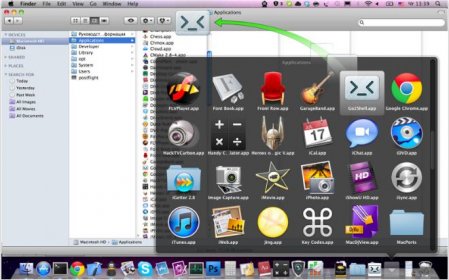
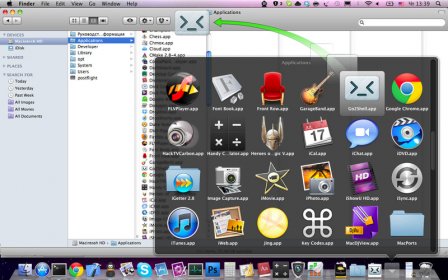
The best way to use Go2Shell is to add it to the Finder toolbar, to do this simply drag and drop the app onto the tool bar.
Let your life be a bit easier with tiny Go2Shell tool.
Version 1.2.1 offers many improvements, such as:
* Icon in the Finder toolbar looks more natively.
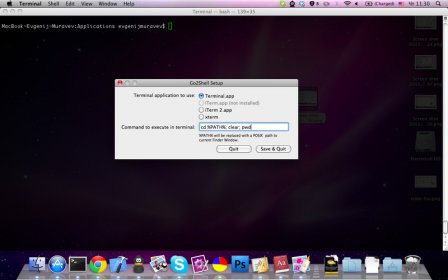
* Bash dependency was removed. Now Go2Shell supports tcsh, tclsh and many other shells.
* Added support of iTerm, iTerm 2 and even xterm


Comments