

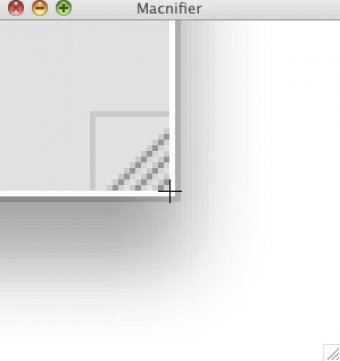
Work with a virtual magnifying glass for the Mac desktop. Use the instrument to zoom in on and view a section of the desktop according to your specification. Display the materials in a separate window. Create pixel-perfect elements for design and management.
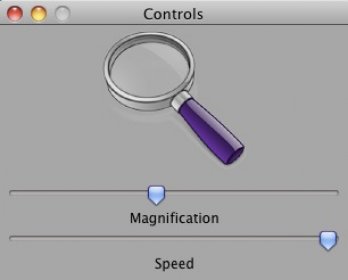
Macnifier allows you to magnify any part of your screen. The app puts a small window on your desktop that shows the area around your mouse pointer. You can set the magnification of this area by accessing the application's control window. This window shows two controls: magnification and speed. The magnification slider allows you to increase or decrease the magnification. 'Speed' changes the speed at which the application follows your mouse pointer. Even at the top speed, it worked kind of slow, though.
Macnifier allows you to change the magnification from either the MenuBar, the control window, or by using keyboard shortcuts. The two available shortcuts are Cmd+ and Cmd-. I wasn't unable to get these hotkeys to work, though.
Macnifier is a free app, but you can purchase a CD with the application if you feel like supporting the developer.
All in all, the application works mostly well and it can really magnify your screen. A few times the app didn't change the zoom level when I tried, and the shortcuts didn't always work, but the rest was OK.




Comments