
Highland is a text editor primarily intended for writing screenplays. However, it can be used for more general purposes such as blog posts, school reports and outlines.
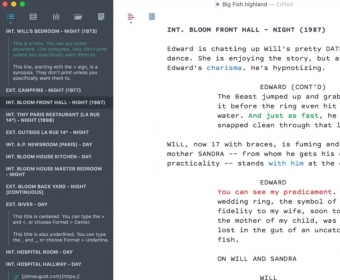
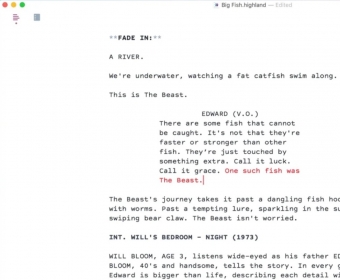
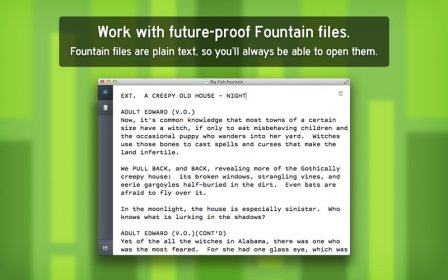
The idea behind the application was to create a tool that allows the user to concentrate on thoughts rather than formatting. In this sense, its interface fully complies with the original intention, as it is extremely minimalistic and elegant. Therefore, you do not feel overwhelmed by unnecessary ornaments. For example, you will not find the typical toolbar; instead, most of the window is dedicated to showing the text being edited. It is even possible to switch to full-screen mode, free from distractions.
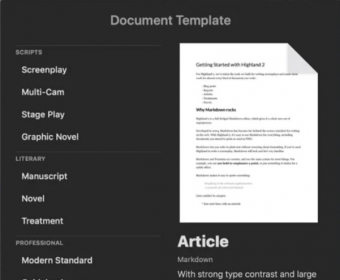
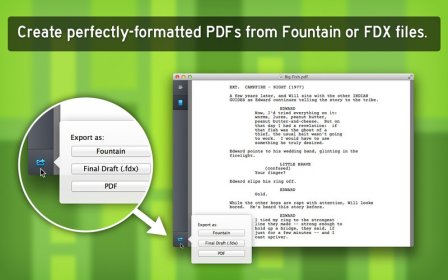
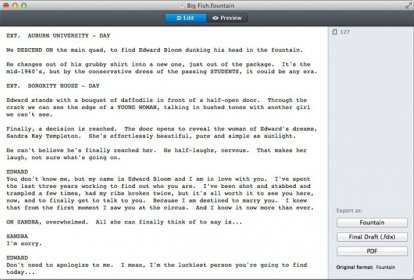
The truth is that there is a reason that justifies the absence of formatting tools: Highland can format your document automatically. In this regard, the availability of multiple templates plays a key role. Luckily, you can toggle between the text and the document preview.
Fortunately, the application has multiple features aimed at increasing your productivity. For example, I find the ability to store small pieces of text that I can reuse when needed very convenient. I also like having a list of the files I have imported into the document, as well as notes and reminders, always at hand.
Likewise, to increase your productivity, you can use a feature called Sprints and Goals, which allows you to set goals related to the time allotted to write a particular text. more




Comments