

The ScanGear Starter allows users to launch the ScanGear MP and store scanned images in different file types. After downloading the file to the computer, it will be saved to the desktop. To install the program, double click on the file, mount the Disk Image, double click the Disk Image, and then double click the installer file in the folder.
The ScanGear Starter enables you to start the ScanGear MP and save scanned images in various file formats.
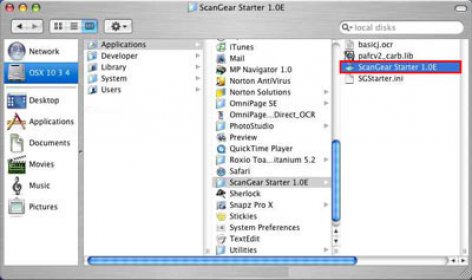
Once a file is downloaded to your computer, it will be saved to your computer desktop. Then you should double click the file to mount the Disk Image, double click the mounted Disk Image, and double click the installer file in the folder to start installation.


Comments