
Record It Pro-Screen Recorder is a light, practical, and professional application that captures screen and sound activity with great quality. This tool can be used to create product demonstrations of software applications, record online video, capture game tricks, create tutorials, capture PPT and image slideshows, and simulate iPhones. Record It HD also records desktop and cursor movements along with sound from the system or microphone.
Record It is a light, practical and professional application that performs well in recording screen and sound activity. The tool enables you to capture everything that happens on your screen as video with great quality. It provides all the elements needed to create professional-looking product demonstrations of software application, record online video, capture amazing game tricks, ppt and your images slideshows, create vivid tutorials, iPhone simulator and etc. Meanwhile, it records your desktop and cursor movements along with sound from your system or microphone. Record It HD is very useful to demo. It mirrors and records your iPhone and iPad screen. It also supports Touchbar to ease your operation.
With Record It, you can:
- Create demonstration videos for any software program
- Record the reproduced step of problem with your computer so you can show it to technical support people
- Record iPhone/iPad screen and mirror iOS video using USB
- Create video tutorials for school or college class
- Record new tricks and techniques you discover before you forget them
- Make YouTube Videos with Logitech Webcam
Features:
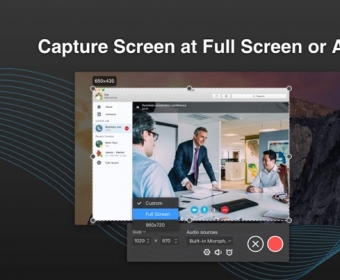
- Record your video at full screen or any size(partial screen or single-app window)
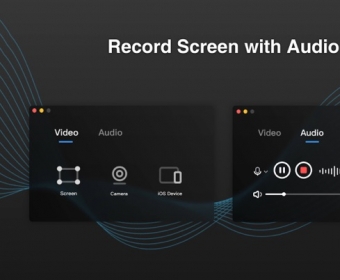
- Record the audio with computer audio, online audio, system build-in microphone, or audio input device
- Record a single window with mouse movements whether it moves or being covered(Pro)
- Set the recording length in advance and the recording will start / stop automatically.(Pro)
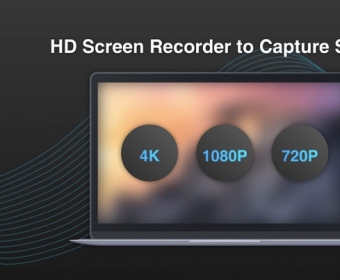
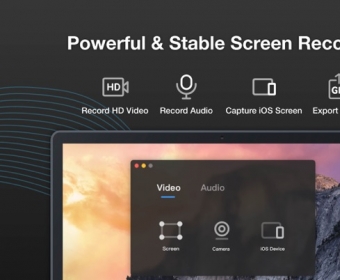
- Record the screen as high quality video(720P, 1080P and 4K)(Pro)
- Support customizing default audio/video storage path
- One click to complete recording
- Record the screen, record by build-in Camera and and system audio (to record system audio please download plugin BlackHole first)
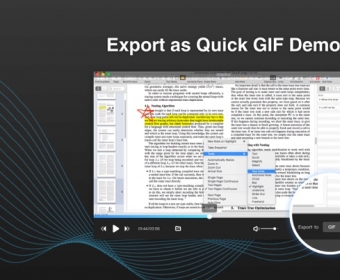
- Export video at a very fast speed as GIF or MP4
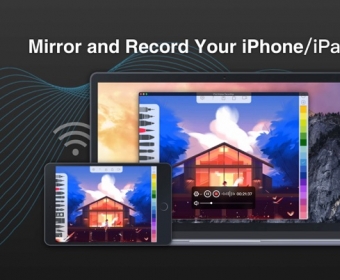
- It enables you to record iPhone and iPad screen and mirror iPhone and iPad video via WiFi. Say goodbye to USB wires(Pro)
- You can always record certain window; Set video quality and choose audio device by your request
- With no watermarks
- Support to show cursor effects for a better presentation
- No recording time limiting restrictions(Pro). If you use the free version, there will be a five-minutes limit in recording time.
- Upgrade to remove ads
If there is any feedback, problems or suggestions, please feel free to contact us via [email protected].


Comments