

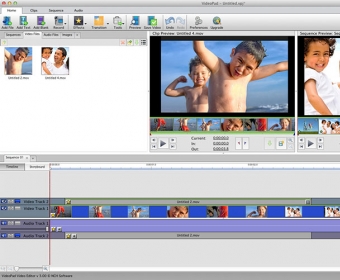
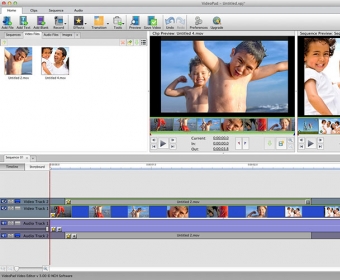
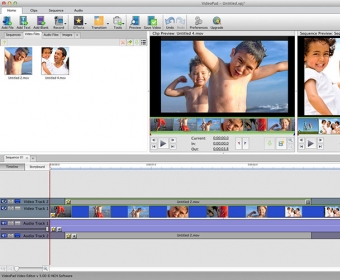
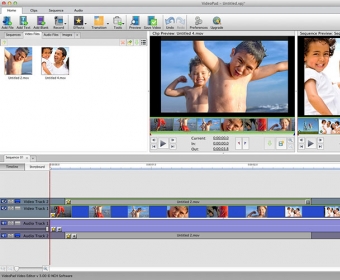
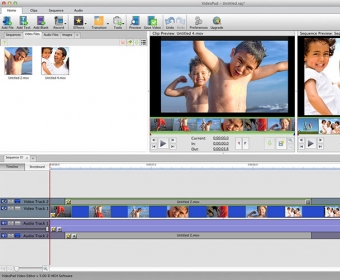
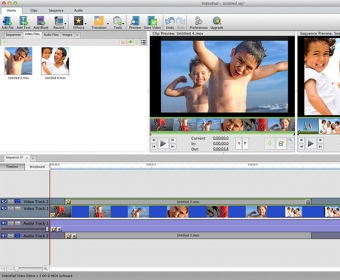
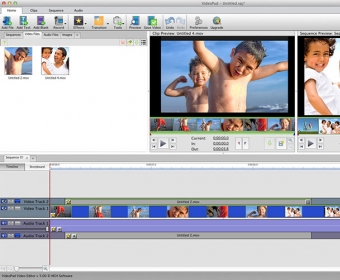
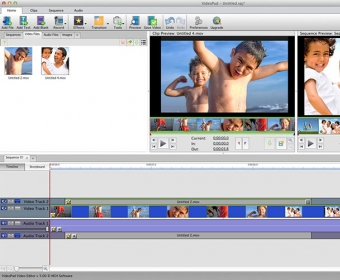
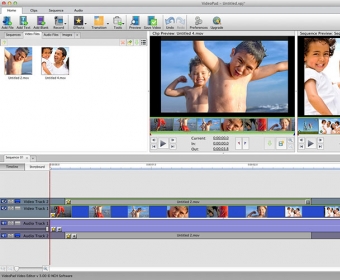
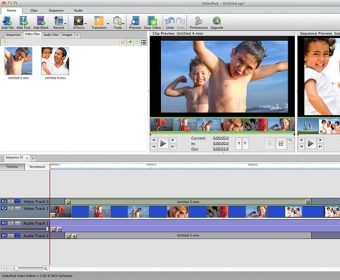
VideoPad is a free Mac video editing application. Easily create and edit high quality videos whether you are combining several short video clips or working with just one video. Anyone can use VideoPad to edit videos they will be proud to share with friends and family. Import from a wide range of sources including .mov, .avi, .wmv, .wmv, virtually any DV camcorder and more. VideoPad provides an easy-to-use interface and smooth workflow eliminating the large learning curve of video editing. Select from a wide variety of transition effects, preview the effects in real time, and customize their duration to give your movie that professional touch. Improve your video quality by fine tuning brightness, saturation, and color or apply color effects like black and white, sepia tone, or negatives. Add and mix up to 255 music tracks or record narrations for your video. Finally, burn to physical disc, save video files to your computer, or upload directly to YouTube. A professional version of VideoPad is available from NCH Software with additional supported formats and features.


Comments