PDF Reader Suite is a software tool for Mac users who need to read, annotate, or edit PDF documents. It provides a range of features to mark up documents with highlights, handwriting, text, and shapes, as well as the ability to compress and split PDFs. Additionally, the software can convert PDFs to other popular file formats, such as Microsoft Word, JPEG, PNG, HTML, and text.
PDF Reader Suite is a tool for anyone who reads, annotates or edit PDF documents on Mac. It allows you to mark up documents with highlights and handwriting, insert text and shape, compress and even merge&split PDFs. Moreover, PDF Reader Suite is the best choice for convert PDFs to other popular file formats(MS Word, Jpeg, Png, Html, Text).
Key Features:
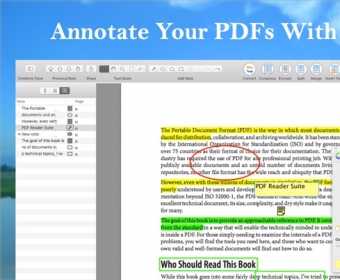
• Various annotations
- Various annotations: Highlight, Underline, Strike-Through, Shape, Freehand and more
- Make comments on PDFs using sticky notes
- Input special characters, icons, and emojis
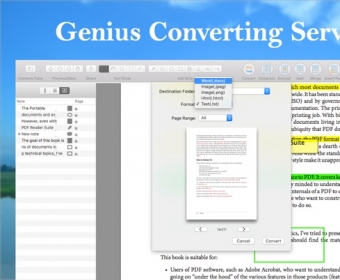
• PDF Converter
- Convert PDF to MS Word (.docx)
- Convert PDF to Image (.jpg .png)
- Convert PDF to Plain text (.txt)
- Convert PDF to Web page(.html)
• PDF Editor
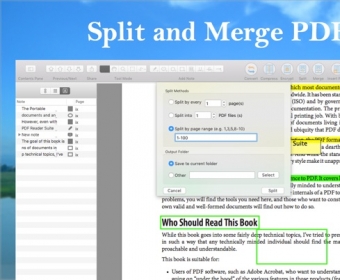
- PDF Split: Split document into multiple documents
- PDF Merge: Merge multiple documents into one document
- PDF Insert: Insert another document pages into the current document
- Delete Pages
- File Cropping
• PDF Compressor
- Compress to reduce PDF document size
• PDF Viewer
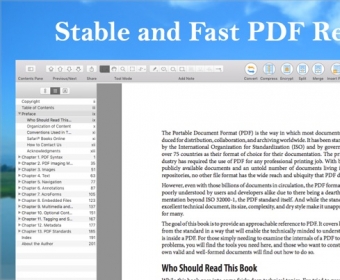
- Stable and Fast PDF Viewer
- Multiple reading modes: Full-Screen, Page-Fit, Continuous and Page break
- Thumbnails, Bookmark, Annotation List
• PDF Presentation
- Present your PDFs with Ease
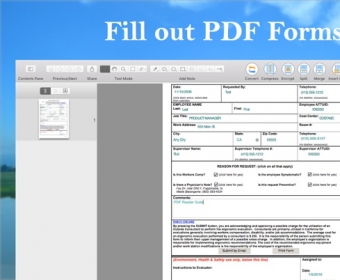
• Form-Filling
- Fill out PDF forms quickly
• TTS
- Support Text-to-Speech
• PDF Security
- Protect your files with password encryption
- Restrict file editing, modifying and printing
• File Sharing
- Share document with Mail, Message, Twitter, LinkedIn etc
- Print PDFs



Comments