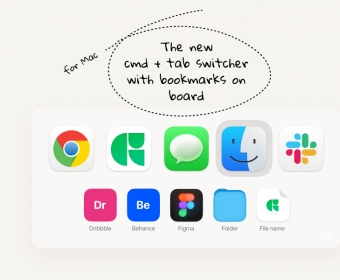
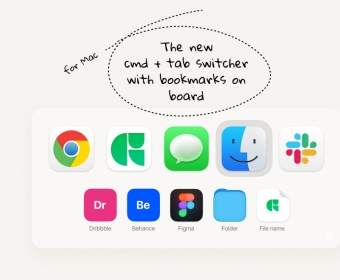
Docflipper is a convenient tool that combines the traditional Cmd + Tab navigation and Bookmarks assistant into one easy-to-use panel. With Docflipper, users can quickly access their favorite applications, projects, URLs, folders, files, and documents, as well as switch and surf between apps, windows, and bookmarks. Additionally, the app also keeps Finder and other hidden windows of launched applications always visible.
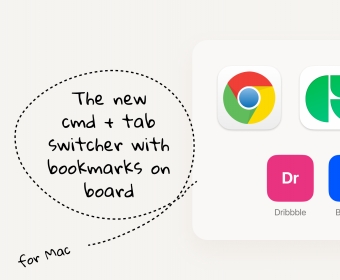
The Docflipper transforms the native macOS app switcher into a simple and convenient tool that combines the familiar Cmd + Tab navigation and Bookmarks assistant within one board.
Key features:
- Create and manage bookmarks to have quick access to your favorite applications, projects, URLs, folders, files, or documents that are always at hand within the app switcher panel.
- Easy switch and surf between apps, windows, and bookmarks as you used to with a native Cmd + Tab switcher on Mac.
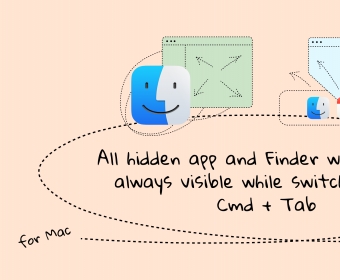
- The app brings a feature that makes the Finder and other hidden windows of launched applications always visible while switching.
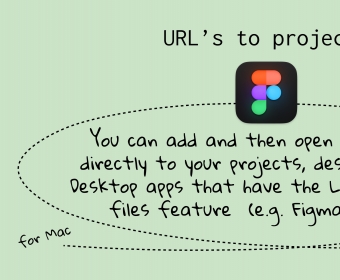
- Docflipper supports work with apps that have a Linking to internal files feature. For example, Figma, Notion, etc. You can add and then open shared URLs directly to your projects or files in such applications.
- You can turn off applications notifications in the switcher panel to focus on your job and get distraction-free.


Comments