

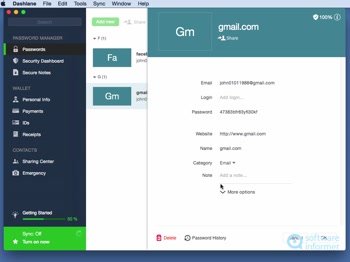
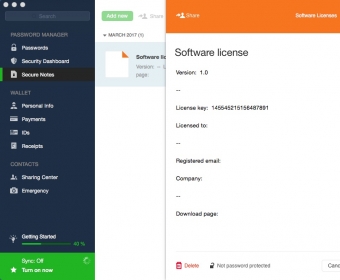
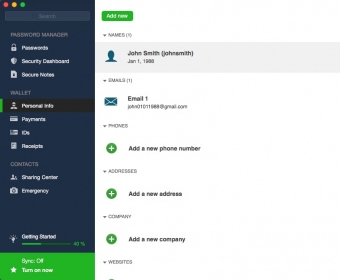
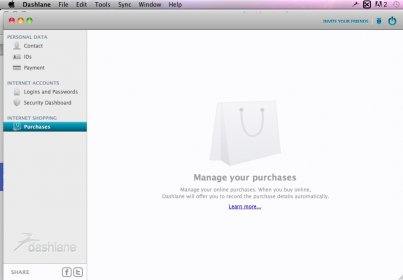
Dashlane is an efficient password manager that helps you keep track of account credentials, software license keys, digital copies of your receipts, and many others. The application provides you with a wide range of useful features, has an appealing user interface, and allows you to organize the stored data into categories.
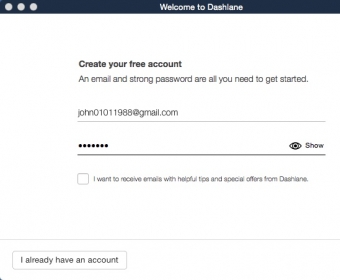
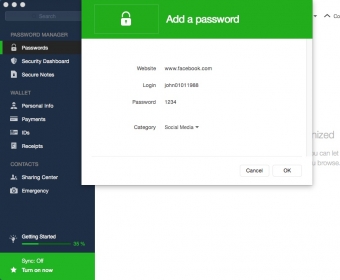
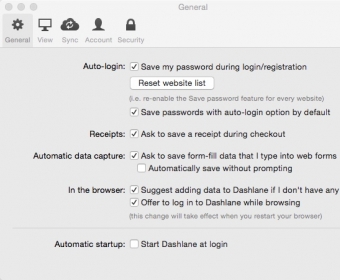
After you launch the application on your Mac for the first time, it will offer you to install an extension in your default web browser. This extra tool will provide you with an easy and quick way to log in to your personal accounts and save new credentials to the Dashlane records.
Other advantages include the ability to share and export the stored info, access to an efficient search tool, and option to write and save private notes.
Only two things bother me about using this application: you need to pay to be able to sync stored data among multiple devices and the app supports only 2 output formats for exporting the stored item info (CSV or DASH).
Still, Dashlane is one of the best password managers I tested on my Mac. It worked 100%, offered me many useful features, and allowed me store and organize various types of private details.

Team
$5.00 per user / month
U.S.-patented security architecture
Security dashboard
Policy management
Advanced reporting
Directory integration
Group sharing
Two-factor authentication (2FA)
U.S.-patented security architecture
Security dashboard
Advanced reporting
Compromised password alerts
Public WiFi VPN
Two-factor authentication
SAML provisioning
Enforceable policy settings
Remote deletion of company accounts
Enterprise mass deployment
Smart Spaces separate work & personal accounts
Unlimited devices
Group password sharing
Free personal Premium accounts
Customer Success Manager, with 50 seats or more
Live chat support
24/7 email support
Technical onboarding support
Business
$8.00 per user / month
SAML-based single sign-on (SSO)
Free family plan for every seat ($ 96 annual value)
U.S.-patented security architecture
Security dashboard
Advanced reporting
Compromised password alerts
Public WiFi VPN
Two-factor authentication (2FA)
SAML provisioning
Enforceable policy settings
Remote deletion of company accounts
Enterprise mass deployment
SAML-based single sign-on (SSO)
Smart Spaces separate work & personal accounts
Unlimited devices
Group password sharing
Free Premium Family accounts
Customer Success Manager, with 50 seats or more
Live chat support
24/7 email support
Technical onboarding support





Comments (1)
Another good point is that on mac you have a management application for your data.
The only thing is that when I turn off this app I don't want it to tell me every time that if I turn on it can autofill for me.