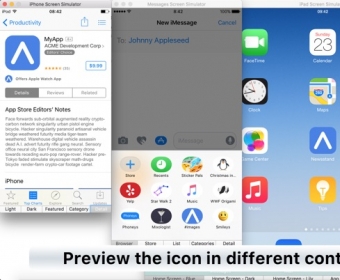
App Icon Tool is an intuitive Mac application that enables users to easily create app icon files in the required sizes and import them into their Xcode projects. With App Icon Tool, users can open large images, drag and drop files, and save generated icons to a chosen directory.
App Icon Tool is an intuitive Mac app that creates app icon files in all the sizes you need, and effortlessly imports them into your Xcode project.
• Open Large Image
Open your large app icon image file in App Icon Tool. For best results, it should be 1024x1024 or larger.
• Drag and Drop
If you prefer to drag and drop your files, you can of course do that too. And you can use copy and paste.
• Save Generated Icons
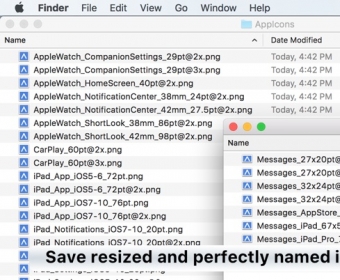
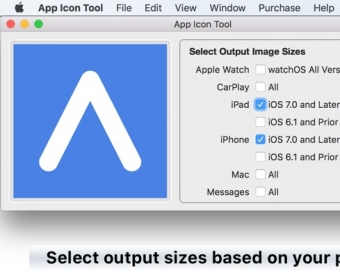
App Icon Tool saves all the resized app icons files for the selected targets (iPhone, iPad, Apple Watch, CarPlay, Mac, Messages) to a directory of your choice.
• Meaningful Filenames
The generated image files are named to match the icons needed by Xcode. No more guessing of what file goes where.
• Save to Xcode
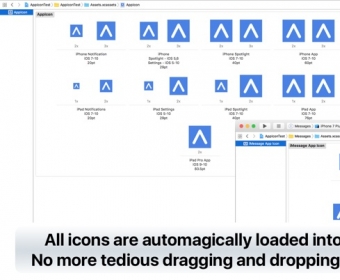
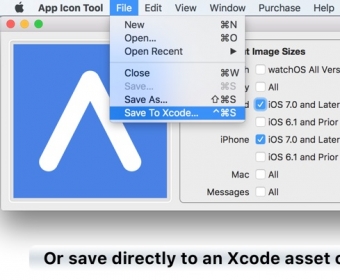
Save all app icons directly to an asset catalog in Xcode. No more tedious and error prone dragging of files into Xcode.
The Save to Xcode feature requires an in-app purchase to activate.
• Up-to-Date
App Icon Tool creates all the necessary app icon sizes for iOS 10 and Xcode 8.2. Including all the icon required for Messages app / Sticker packs, and the new app icon size for iPad Pro. Of course it also generates app icons for all older versions of iOS, as well as for Mac apps. more




Comments