
MiniArtSofBatch is a website that allows users to add Text On Images and convert image formats such as JPG, PNG, TIFF, and JPEG2000. The website also offers tutorials and features such as printing EXIF (camera, lens, aperture, shutter, shot time, etc.), generating matrix texts to watermark images, generating gradient color text (one by one character), and saving current texts as a template for future use. Outputting files can be done with options to embed original EXIF, keep original file created time, set DPI, and copyright. The process is simple: drop folders or images onto Import button, type text, and drag the Export icon.
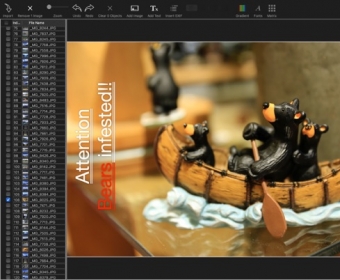
Batch to add text on images.
To convert image format to JPG | PNG | TIFF | JPEG2000.
The tutorial video is available on our website
www.MiniArtSoft.com
Features:
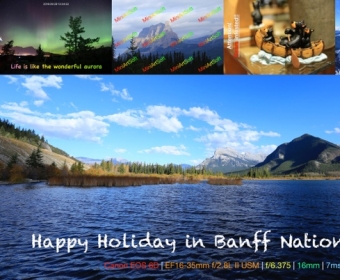
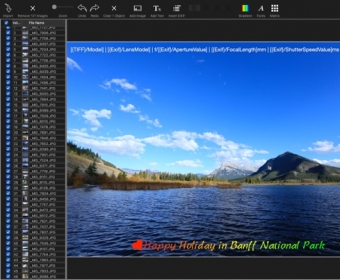
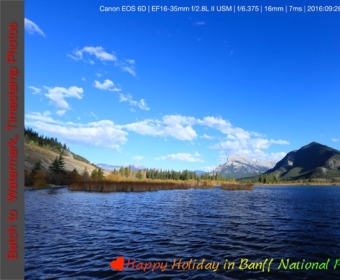
- Print EXIF (camera | lens | aperture | shutter| shot time |....) on image
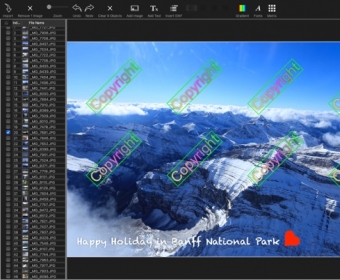
- Generate matrix texts to watermark images
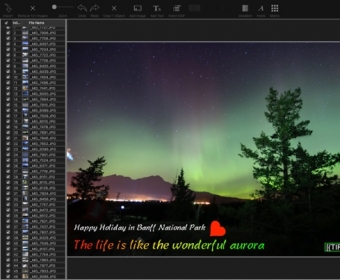
- Generate gradient color text (one by one character).
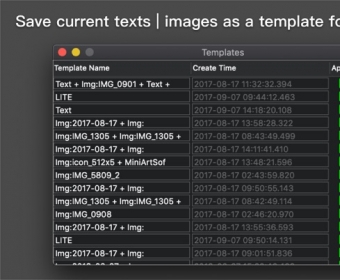
- Save current texts as a template for future use
For outputting file, options to:
- Embed original EXIF
- Keep original file created time
- Set DPI and copyright
How to it works:
1. Drop folders or images onto Import button
2.Typing text
3.Drag the Export icon out to save the result
FAQ:
How to change text's font?
Double click on text, then select some characters, the Font button on the toolbar will be highlighted.Click the Font button to popup font dialog. more



Comments