Auto Mute is a small application that allows you to turn off sounds on your laptop during logoff, sleep or shutdown. Even though there are various ways in which you can normally perform that (by accessing the volume settings or changing sound schemes), this tools provides you with a much faster and easier method to do it.
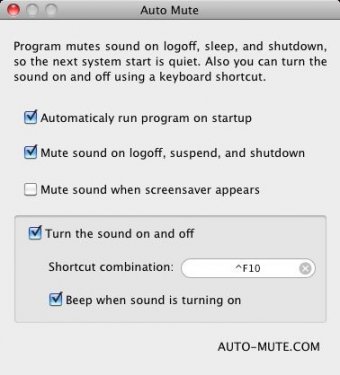
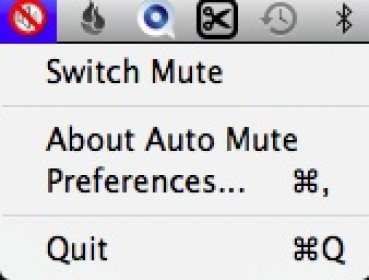
After launching Auto Mute, it will stay on your Menu Bar from where you can easily access it and mute sounds with just a click of a mouse. You can even set a key combination for a faster system mute. This way, you won't have to worry about the loud sounds your Mac produces at logon or shutdown during a conference or while researching inside a library, for example.
Furthermore, Auto Mute allows you to mute your Mac when the screensaver starts. This can prove to be quite useful because you might step away from your computer at some point and avoid annoying people around you while some application that you have installed starts producing alerts.
Overall, Auto Mute is an easy-to-use Mac application that is worth dealing with if you want to quickly mute the sound on your laptop in a very simple manner.








Comments