Precise Screenshot 2 is a modern tool for taking screenshots on Mac computers. It is small, fast, and has all the features you need for an accurate and perfect result. With Precise Screenshot 2, you can select a resizable area of the screen with a drag-and-drop method, choose from a menu of pre-set sizes, enter the exact x and y size of the area you want to capture, capture the full screen, capture from the main or secondary monitor, and move the grab area one pixel at a time.
Precise Screenshot is the new generation tool to take screenshots from the screen on your Mac.
It's small, fast and full featured.
It has all you need for a precise and perfect work.
WHAT YOU CAN DO
• Select a resizable portion of the screen with the usual drag method (also with forced ratio)
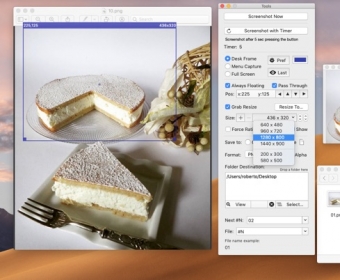
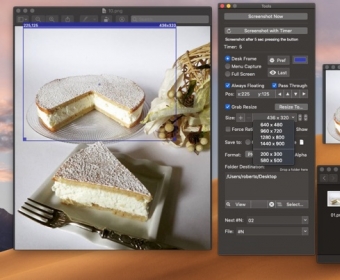
• Use pre-fixed size area from a customizable popup menu
• Input the required x, y size area via keyboard
• Use the full screen area
• Capture from the main screen or secondary monitors attached to your Mac
• Optionally capture also the menu bar
• Move the grab area 1 by 1 pixel from the Tool window
• Capture using a timer
• Save in many ways and with custom formatted name
• Continue to use the captured area while you are taking screenshots (Pass Through)
WORKS IN 3 MODE
• Desk Frame Mode, selecting any portion of the work area
• Include Menu Mode, magnetically attached to the menu and always including the above portion of the menu bar area on your screen
• Full Screen Mode, taking the full screen more
MAIN FEATURES
• Can specify specific list of used screen sizes to take screenshot with high precision
• Custom popup menu for resizing the grab area
• Resizing and dragging by mouse in a traditional way
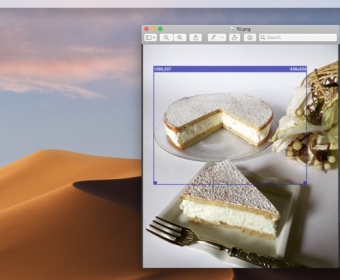
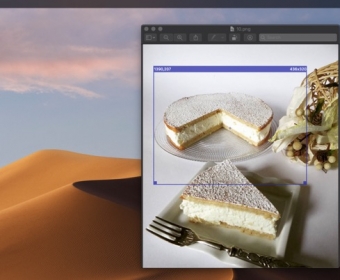
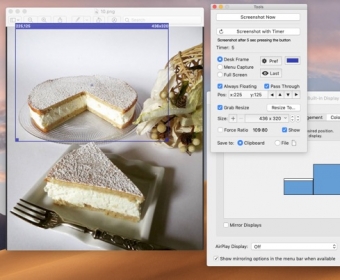
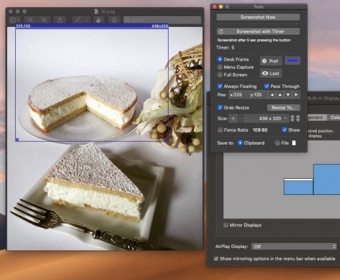
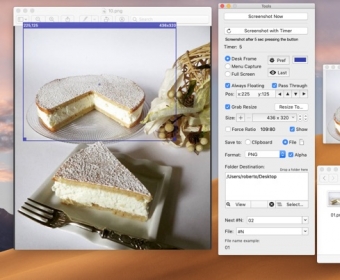
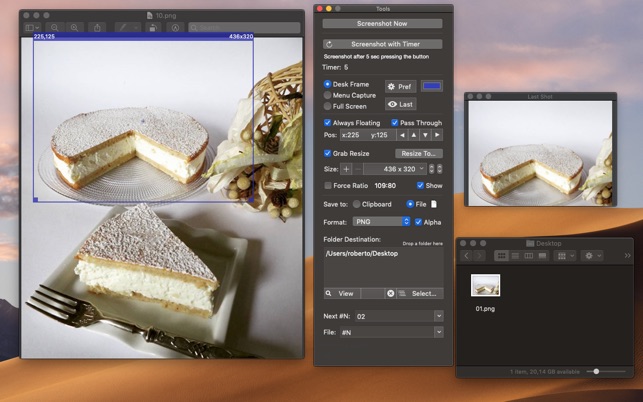
• Screenshot frame area shows it's size and position in the upper side border
• Screenshot grab area can be moved and resized with precision 1 pixel by 1 pixel
• Pass Through lets you interact with window inside the shot area, you can take screenshots and work at the same time with the windows inside that area
• Can use a custom file name using meta-tags, with serial number (automatically increased) and or using date elements (Year, Month, Day, Hour, Minute, Second)
• Can take shot immediately or using a timer
• Works perfectly also with external monitors and multiple screens attached to your Mac
• It can works even when in background using a status menu
• It offers also a useful tool palette with all the setting controls
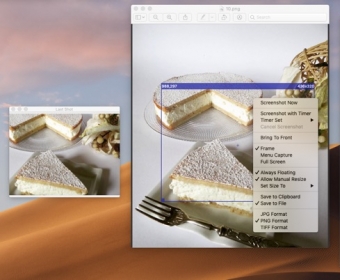
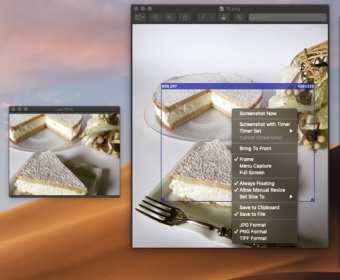
• Floating palette with shot preview
• Save to the clipboard (with the picture immediately available for use) or to disk in selectable custom places.
• Save to disk in JPG, PNG, TIFF format
• Save with/without alpha channel (for transparency)
• Can force any size ratio for the capture area and resize it in accordance
• Optionally alway float all over the other applications with the Shot Selection area
MORE FEATURES
• Provides a contextual menu for 1-click commands over the Shot Selection area
• Settings can be modified at any time, also in the middle of the work
• Provides visual and sound feedback of screenshot with selection of sound to play
• Custom color for the capture frame
• Screenshot previews in a floating window
• Embedded PDF User Guide included accessible via the Help menu
MAC OS CAPABILITIES
• Fast and small launches in a blink
• Works also from the menu bar
• Can be set as 'Always Floating'
• Perfectly compatible with both Light Appearance Mode and Dark Appearance Mode
• Fully sandboxed offering the maximum protection level combined with the maximum flexibility
• Customization are saved and used at next relaunch
• Works on macOS 10.10 Yosemite and successive
• Optimized for macOS 10.14 Mojave and successive


Comments