

Enhance configuration options in Mac OS X Leopard 10.5. Launch scripts and applications according to the triggering special actions. Set up activation for one-time cases or at a specific time or periodically. Access extensive editing options for different functional features.
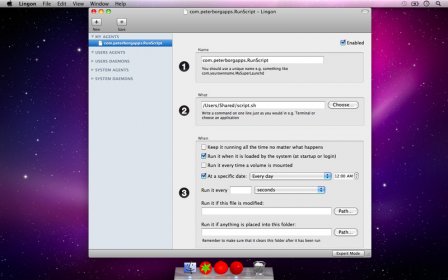
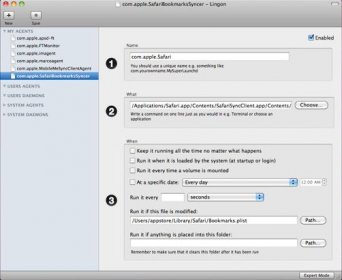
Lingon is a graphical user interface designed to create and edit launchd configuration files for Mac OS X Leopard 10.5. With launchd, users can launch scripts and applications when something special happens, at a specific time, or periodically. Lingon's user interface provides a list of all launchd configuration files for easy selection and editing. This version has two editing modes: Basic Mode, which offers the most common settings in a simple interface, and Expert Mode, which allows for more detailed configuration.
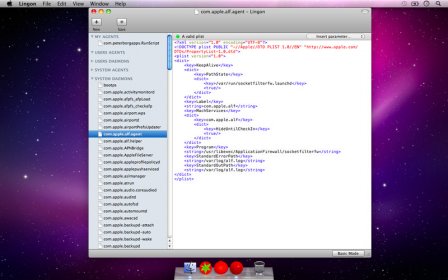
Lingon is a graphical user interface for creating an editing launchd configuration files for Mac OS X Leopard 10.5. You can use launchd on a Mac to launch scripts and applications whenever something special happens or at a specific time or periodically. You get all launchd configuration files in a list to the left so you can easily see all and choose which one to edit.
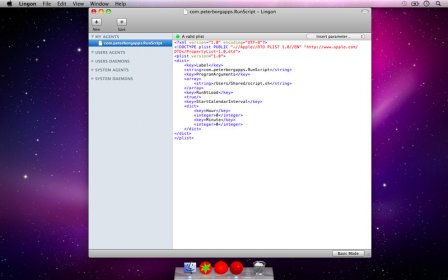
Editing a configuration file is easier than ever in this version and it has two different modes. Basic Mode which has the most common settings readily available in a very simple interface and Expert Mode where you can add all settings either directly in the text or insert them through a menu.


Comments