

Manage icons for different types of interfaces and graphical projects on your Mac. Work with the options for viewing and browsing a collection of 49000 free elements saved in formats such as PNG, SVG, EPS, and PDF. Switch between versions of items in different resolutions.
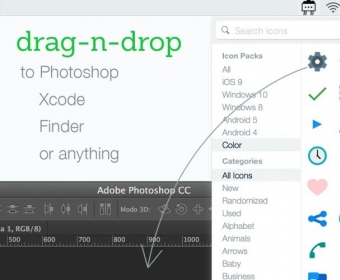
Icons8 is an app that allows users to search for and insert icons into Photoshop, Xcode, or other software. It provides 49,000+ free icons in multiple sizes up to 512x512 px, and in various styles. Additionally, SVG (except for the 'Free Popular' collection), EPS, and PDF files are available for a fee. Features include superfast search by tags, drag-and-drop to Xcode or Photoshop, and vector icons for a fee.
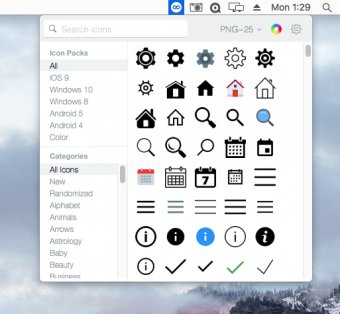
Icons8 app allows to search icons and insert directly into Photoshop, Xcode or anything. Contains 49 000+ free icons for developers and designers in multiple sizes up to 512x512 px, in several styles. The application resides in status bar and allows to search by tags. SVG (except for the 'Free Popular' collection), EPS and PDF files are available for a fee. The application resides in status bar and allows to: - Search by tags - Drag to Xcode, Photoshop or anything - Vector icons are available for a fee (SVG icons from the 'Free Popular' collection are free) Features: - Superfast -2 seconds to find an icon and insert it into your work - All files are on disk -browse the folders with Finder, all icons are there - Icons are tagged -If you are looking for an envelope icon, any related keyword would work: mail, message, send etc. - Different formats - PNG in different sizes - SVG and EPS vectors (should be purchased at icons8.com/buy)


Comments