

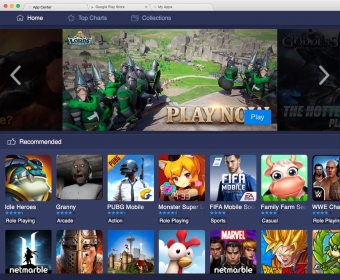
BlueStacks is an Android emulator designed for Mac computers. With its help, you can play your favorite Android games directly from your computer, test the Android apps you developed and submitted to the Play Store, and so much more.
The program's interface is very intuitive, so it requires minimum computer experience in order to use it effectively.
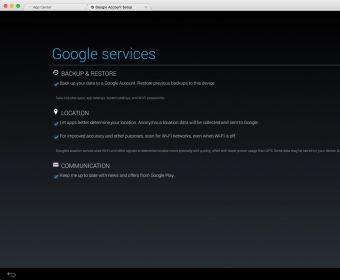
The first thing you need to do is to log in to your Google account. You cannot play any Android games or test Android apps on your Mac unless you complete the aforementioned step.
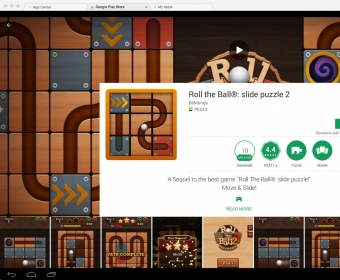
In my testing, I downloaded and installed a puzzle game. The utility occasionally ran a bit slower, especially when switching between tabs. Still, it didn't affect the gameplay part. Another thing that bothered was the fact that I wasn't able to resize the program's window however I wanted to. You can only enable the fullscreen mode.
Still, BlueStacks provides you with many useful advantages, such as the access to the multi-tab support and the fact that it takes a small amount of time to install Android apps. Plus, it comes without a price tag.




Comments (3)
Also, it still on the Beta stage, so of course it is buggy and sometimes apps don’t work properly!